
Media
Media files (audio, video, images) stay on your computer. Samba stores paths to those files in the project - preferably relative paths under the project Media/ folder.
This keeps shows portable across machines that share the same folder layout (for example via Dropbox), and it matches how cloud projects work: structure syncs; bytes do not.
Recommended workflow
Section titled “Recommended workflow”- File -> Save Project so the project folder and
Media/exist - Add media with Add -> Add Audio file, Add Video file, or Add Image file, or drop files onto a track / empty area
- Prefer files that already live under
Media/, or let Samba copy them there when prompted
Typical layout:
MyShow/ MyShow.samba Media/ Opening/ bed.wav Act 2/ film.mp4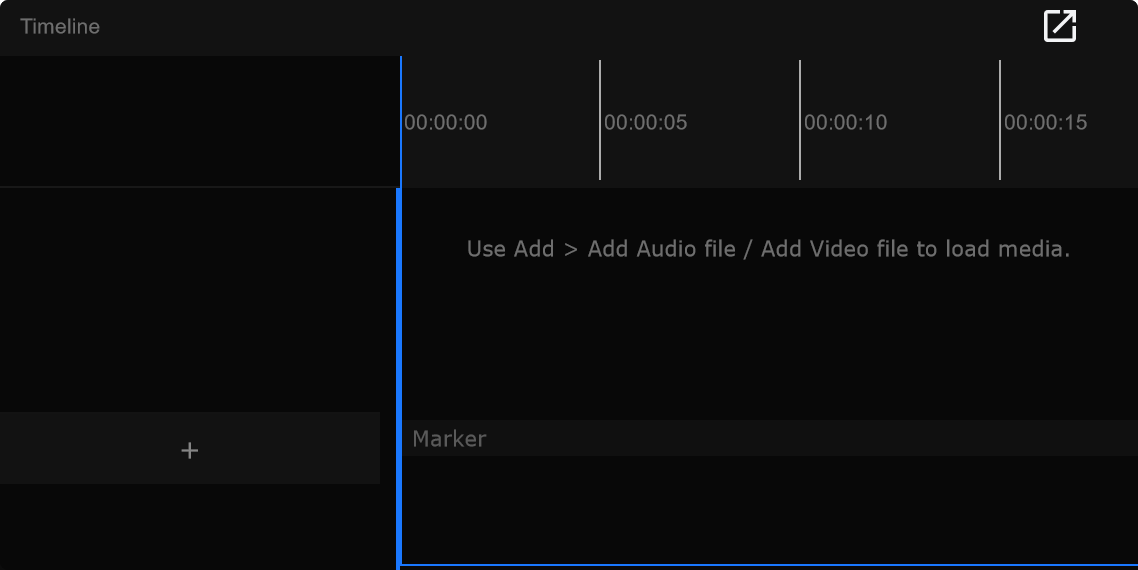
Layer types
Section titled “Layer types”| Add menu / action | Layer kind |
|---|---|
| Add Audio file | Audio layer |
| Add Video file | Video layer |
| Add Image file | Image layer |
| Camera Layer | Live camera input layer |
Tracks can hold multiple layers. See Tracks and layers.
File outside Media
Section titled “File outside Media”If you add a file that is not under the project Media/ folder, Samba asks:
| Choice | Meaning |
|---|---|
| Copy to Media (recommended) | Copies into Media/<track name>/ so peers and other machines can use the same relative path |
| Keep original path | Keeps an absolute path; often works only on this PC |
| Cancel | Do not add the file |
For cloud shows and shared Dropbox folders, Copy to Media is the safe default.
Missing files
Section titled “Missing files”If a clip path is not found:
- The clip shows a red tint and the label Missing
- If the file is a Dropbox placeholder that is still downloading, Samba can show Waiting for Dropbox instead
- Cues still run - missing media does not remove markers from the show
- Put the file back at the same relative
Media/path, wait for Dropbox to finish, or relink in Media Manager
Collect all media files
Section titled “Collect all media files”File -> Collect all media files copies used media into the project Media folder so the show package is self-contained for handoff or backup.
Use this before you zip a show folder or move it to another drive when some clips still pointed outside Media/.
Cloud and shared folders
Section titled “Cloud and shared folders”On a cloud project:
- Everyone keeps media locally (Dropbox, shared drive, or mirrored folder tree)
- Samba never uploads audio or video bytes to the cloud server
- Matching relative paths (
Media/Track name/file.wav) keep Missing counts low
See Cloud projects and Collaboration.
Related
Section titled “Related”- Media Manager - inspect and relink clips
- Projects - folder layout
- Playback - hearing and seeing media