
Comments and notes
Samba separates track notes (per-track programme text) from comments (timecode-linked discussion). Both are optional under View.
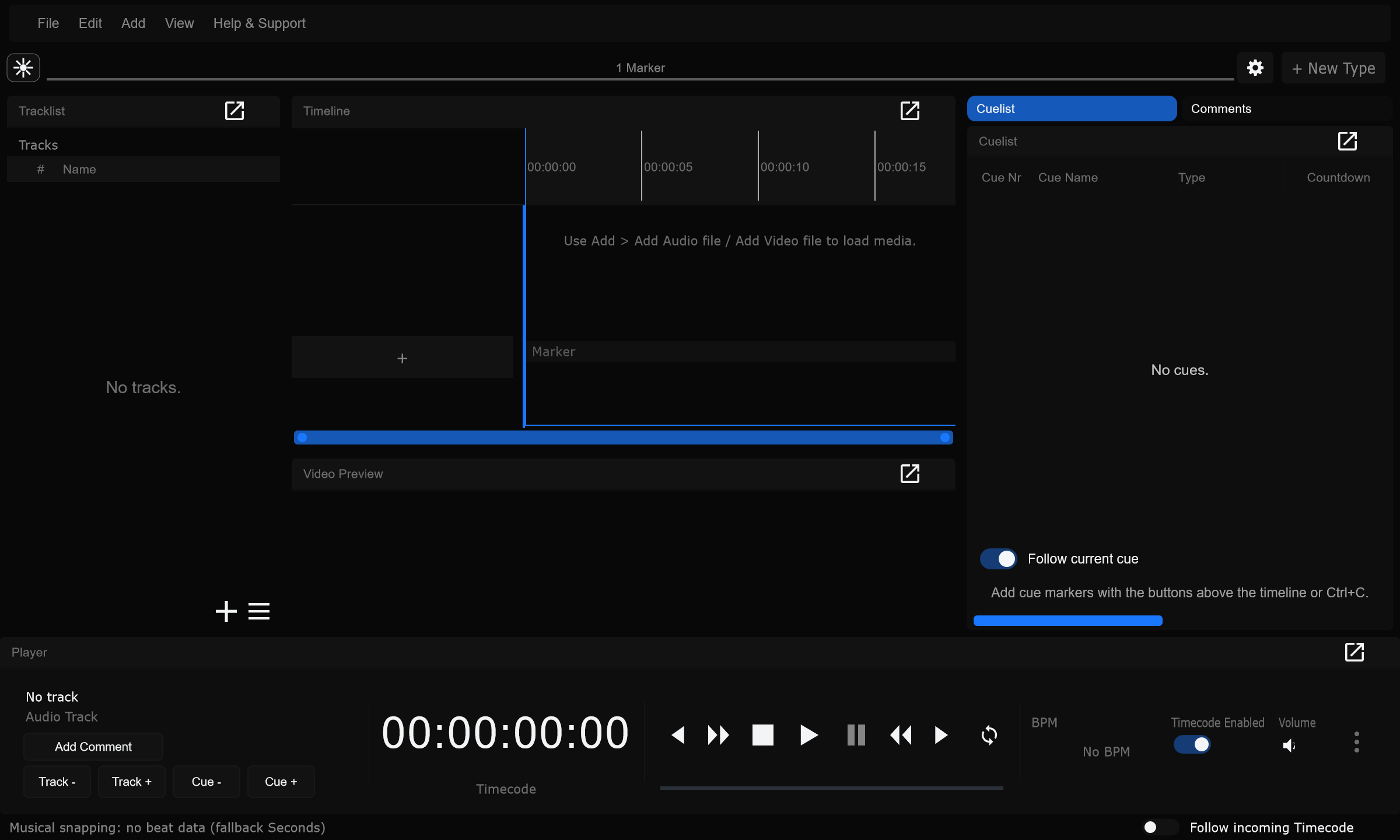

Track notes
Section titled “Track notes”Show Track notes
Section titled “Show Track notes”View -> Track notes shows the selected track’s name, shortname (when set), and notes body.
When to use: Keep whole-song warnings visible while you program cues.
Edit track notes
Section titled “Edit track notes”Notes are edited in Track Settings (Ctrl+T) on the Track tab, or via Edit in the Track notes panel (same settings flow). See Track settings.
When to use: Write pyro / SFX or desk reminders that belong to the whole track, not one cue time.
Empty notes
Section titled “Empty notes”Empty notes show a muted (No notes for this track) placeholder.
When to use: Confirms you are looking at the right track before you paste notes from a rundown.
Comments
Section titled “Comments”Show Comments
Section titled “Show Comments”View -> Comments lists Frame.io-style notes attached to a timecode on a track. They appear in the panel and can be indicated on the timeline.
When to use: Review and director discussion at a time, without creating a cue.
Add Comment
Section titled “Add Comment”- Place the playhead
- Click Add Comment on the Player bar
- Enter the text
Author and avatar come from your signed-in identity when available.
When to use: Drop a note mid-playback where something felt wrong.
Show all comments
Section titled “Show all comments”Lists comments from every track (with a track label), not only the current track.
When to use: Project-wide review pass before show.
Delete
Section titled “Delete”Removes the selected comment thread(s).
When to use: Clear resolved review notes after fixes land.
Click / double-click / Alt+click
Section titled “Click / double-click / Alt+click”| Action | Result |
|---|---|
| Click | Select |
| Double-click | Edit |
| Alt+click | Jump playhead to that comment on the timeline |
| Ctrl / Shift click | Multi-select / range select |
When to use: Alt+click to scrub straight to a reviewed moment.
Replies
Section titled “Replies”Replies nest under a parent comment when threads are used.
When to use: Answer a director note without a new time stamp.
Comments vs cue notes vs track notes
Section titled “Comments vs cue notes vs track notes”| Tool | Best for |
|---|---|
| Comments | Review passes, temporary discussion at a time |
| Cue Notes (cuelist column) | Text that must travel with a cue / Live Link marker |
| Track notes | Whole-track documentation |
When to use: Prefer cue notes for desk-facing text; comments for human review that may be deleted later.
Collaboration
Section titled “Collaboration”On cloud projects, comments help remote reviewers leave time-based feedback. Media stays local. See Collaboration.
When to use: Async feedback from a remote LD while the editor owns structure.
Related
Section titled “Related”- Panels and layouts
- Tracks and layers
- Playback
- Cues - Cue Notes column