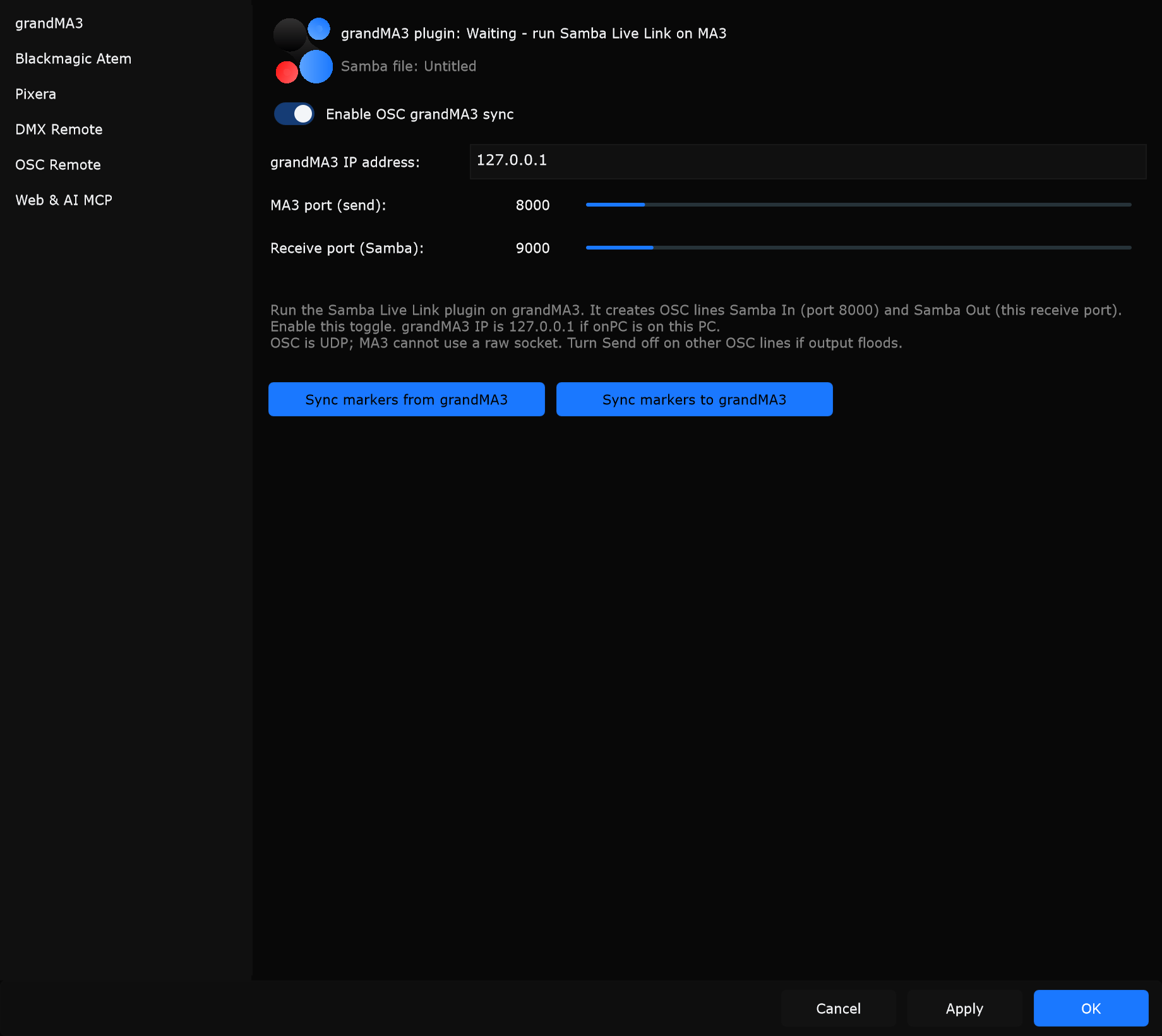
Connections
Edit -> Connections… opens a dialog with a left sidebar and settings on the right. Pick a page, change options, then Apply (keep open) or OK (apply and close). Cancel discards unapplied edits.
Connections is separate from Edit -> Preferences…. Hardware links, remotes, and web/MCP live here.
Sidebar pages
Section titled “Sidebar pages”| Page | Purpose |
|---|---|
| grandMA3 | OSC Live Link with the Samba Live Link plugin |
| Blackmagic Atem | Drive an ATEM switcher from Samba cameras |
| Pixera | Native API connect, pull, and push |
| DMX Remote | Art-Net / sACN transport control |
| OSC Remote | UDP OSC listener for phones and controllers |
| Web & AI MCP | Phone/tablet web remote and local MCP URL |
Typical workflow:
- Open Edit -> Connections…
- Select a page in the left list
- Enable the integration and enter IP / port values
- Click Apply or OK
- Confirm status text on that page