
Dialog footer
Preferences, Connections, and Shortcuts share the same footer buttons on the right: OK, Apply, and Cancel.
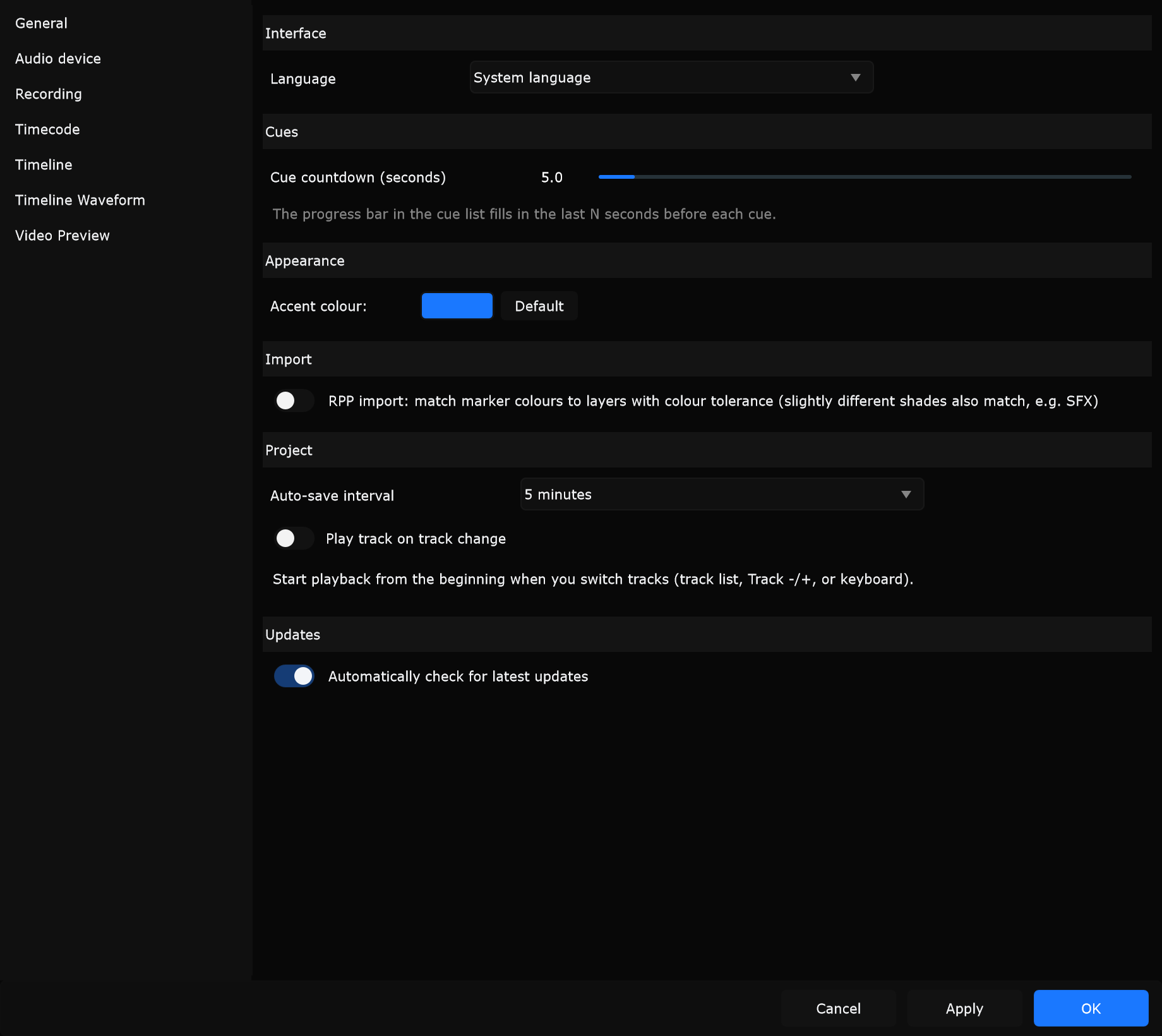
Buttons
Section titled “Buttons”Applies pending settings for the dialog, then closes it.
Enter acts like OK.
When to use: Done adjusting - commit and return to the workspace.
Applies pending settings without closing the dialog so you can keep changing pages or controls.
When to use: Test audio device or timecode changes while leaving the dialog open.
Cancel
Section titled “Cancel”Closes without keeping unapplied edits from this open session.
Escape acts like Cancel.
When to use: Abandon an experiment and leave previous applied settings in place.
What applies when
Section titled “What applies when”| Dialog | Apply / OK behaviour (summary) |
|---|---|
| Preferences | Applies routing and the current page (and always flushes General / Audio / Timecode paths as designed). Many General / Timeline / Waveform toggles also save as you change them; accent and some routing still need OK / Apply. |
| Connections | Applies all connection pages on OK / Apply so desk and remote settings stay consistent. |
| Shortcuts | Commits shortcut changes on OK / Apply. |
Immediate-saving controls still respect Cancel for values that were only pending (for example accent colour preview in Preferences until OK / Apply).
Which dialog to open
Section titled “Which dialog to open”| Need | Open |
|---|---|
| Theme, audio device, timecode, timeline behaviour | Edit -> Preferences… |
| grandMA3, Atem, Pixera, DMX, OSC, Web & AI MCP | Edit -> Connections… |
| Remap keys | Edit -> Shortcuts… |
See Preferences overview, Connections, and Shortcuts.
Related
Section titled “Related”- Preferences overview
- First launch
- Menus - Edit menu