
General
Open Edit -> Preferences… and select General.
Sections: Interface, Cues, Appearance, Import, Project, Updates. Most controls apply immediately. Accent colour previews in Preferences and updates the main window on OK or Apply.
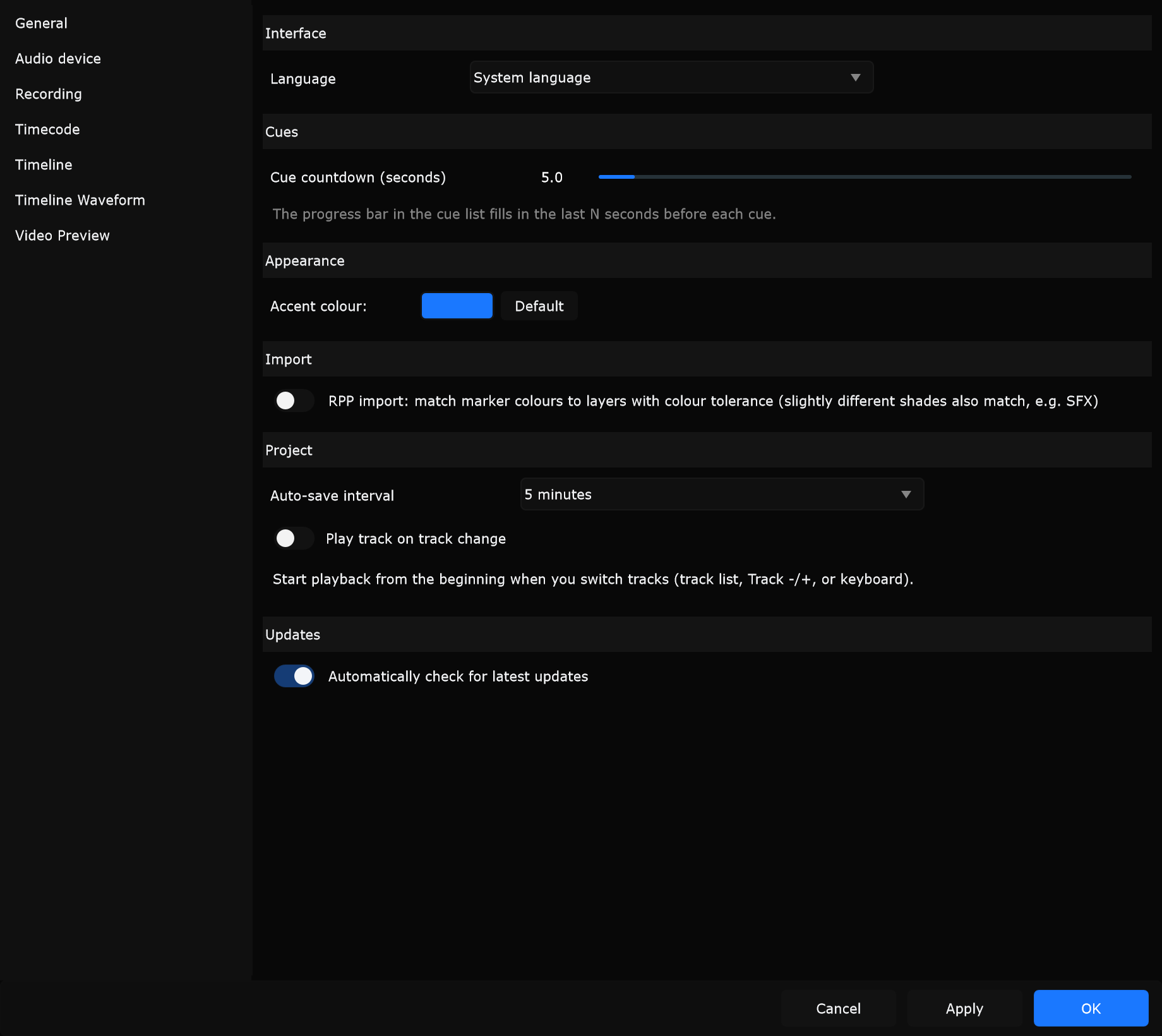
Interface
Section titled “Interface”Language
Section titled “Language”Sets the UI language: System language, English, Spanish, German, French, Dutch, Chinese, Portuguese, Japanese, Korean, or Arabic. System language follows the OS when Samba has a matching translation.
When to use: Pick English on a shared show laptop so labels stay consistent for visiting operators, regardless of the OS locale.
Cue countdown (seconds)
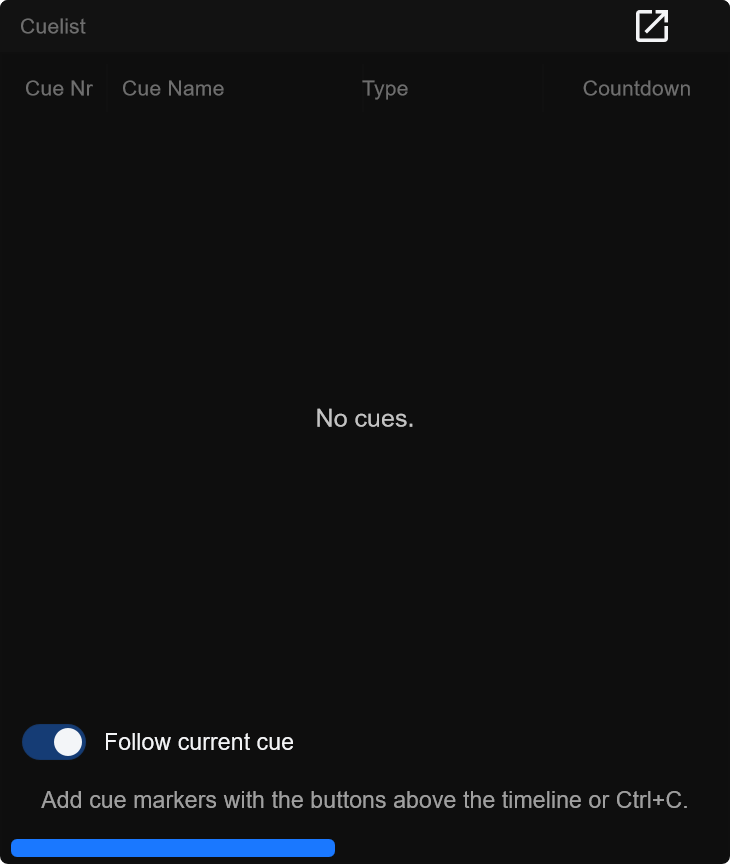
Section titled “Cue countdown (seconds)”How long the cue-list progress bar fills before each cue (1.0 to 60.0 s, 0.5 steps). Hint in the dialog: the bar fills in the last N seconds before each cue.
When to use: Use about 3-5 s for dense pyro/SFX lists; use 10+ s in rehearsal when the operator needs more warning before the next mark.
Appearance
Section titled “Appearance”Accent colour
Section titled “Accent colour”Click the colour swatch to open a picker. Preferences previews the colour immediately; the main app theme (buttons, highlights, slider thumbs) updates on OK or Apply.
When to use: Raise contrast for daytime outdoor programming where default blue is hard to see under sunlight.
Default
Section titled “Default”Resets the pending accent to Samba’s built-in default accent colour.
When to use: After experimenting with custom colours on a rental machine, restore the familiar Samba look before show call.
Import
Section titled “Import”RPP import colour tolerance
Section titled “RPP import colour tolerance”Toggle: RPP import: match marker colours to layers with colour tolerance (slightly different shades also match, e.g. SFX). When on, REAPER .rpp marker colours match Samba layers more loosely. When off, only exact colour matches count.
When to use: Turn on when importing an RPP where SFX markers are a slightly different shade of the SFX layer colour and would otherwise miss the layer.
Project
Section titled “Project”Auto-save interval
Section titled “Auto-save interval”How often Samba writes the open project to disk.
| Option | Interval |
|---|---|
| Off | Disabled |
| 30 seconds | 30 s |
| 1 minute | 60 s |
| 2 minutes | 120 s |
| 5 minutes | 300 s |
| 10 minutes | 600 s |
| 30 minutes | 1800 s |
| 1 hour | 3600 s |
| 2 hours | 7200 s |
| 5 hours | 18000 s |
| 12 hours | 43200 s |
When to use: Prefer 5 minutes while building a show overnight. Use Off only on a locked playback machine where you save intentionally before changes. Auto-save does not replace File -> Save Project before major structural edits.
Play track on track change
Section titled “Play track on track change”When enabled, switching tracks (track list, Track - / Track +, or keyboard) starts playback from the beginning of the new track.
When to use: Enable for sequential set-list rehearsal where selecting the next song should start audio immediately. Leave off when browsing tracks only to edit cues.
Updates
Section titled “Updates”Automatically check for latest updates
Section titled “Automatically check for latest updates”When enabled, Samba periodically compares the installed version to the online release manifest (latest.json). You can always check manually via Help & Support -> Check for updates….
When to use: Leave on for office / programming machines. Turn off on show-day playback PCs so operators are not prompted mid-performance.
Dialog buttons
Section titled “Dialog buttons”At the bottom of Preferences:
| Button | What it does |
|---|---|
| OK | Applies (including accent), then closes |
| Apply | Applies without closing |
| Cancel | Closes without keeping unapplied edits |
Enter = OK. Escape = Cancel.